Teltonika · 4G/5G · WireGuard
Teltonika mobile routers inside your VPN network
We configure Teltonika RUTX, RUT, TRB and compatible models before they leave for the site. Once powered with a SIM card, the router joins your WireGuard network and is ready for remote administration.
Get a preliminary estimate ↗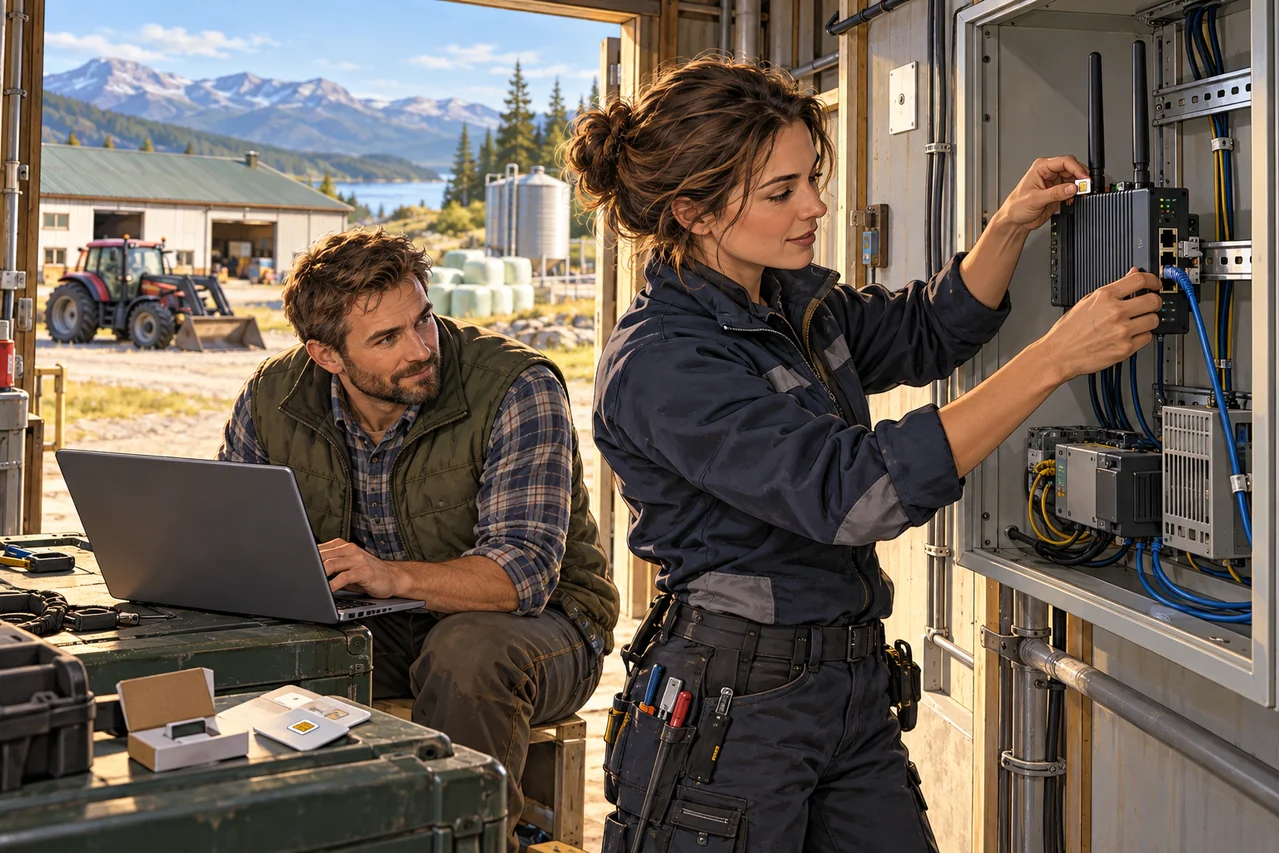
SETTING UP YOUR SOLUTION
Bring a remote site into your company network
We configure a Teltonika mobile router, internet access and the agreed VPN tunnel, then check connectivity to the required equipment. Coverage and backup links are agreed separately.
Explore the implementation process ↗The outcome
You get a remote location with mobile internet, an encrypted route to the central network and safe connectivity for cameras, controllers, POS terminals or equipment.
Basic setup
- WireGuard connection to central infrastructure
- Mobile internet and optional failover
- Firewall, VLAN, Wi‑Fi and access rules
- Remote administration without exposing the router to the internet
- Configuration template for many similar sites
Typical use cases
- Temporary and remote sites
- Shops, warehouses, transport and field teams
- Video surveillance, IoT and industrial equipment
Functional capabilities
What this enables in daily work.
A remote router joins the private network after power-up.
Access to equipment behind the router without exposing ports on the mobile network.
A practical setup for vehicles, remote offices, cameras, terminals and field sites.
Routes and access rules are aligned with your primary network.
Pricing
Clear before work begins.
Architecture
Baseline design for one location
Router preparation
Configuration, VPN, test and documentation
Support
Monitoring and configuration changes
Hardware, SIM cards and carrier plans are paid separately.
What we need from you
- Hosting on Niya capacity, an account with the selected provider or an existing server.
- A description of the current network, service or required outcome.
- Separate access with the required permissions for the work.
What is not automatically included
- VPS, hardware, domains and third-party services are paid for separately.
- Non-standard integrations, migrations or extra components are assessed after the task is clarified.
Ongoing support
After launch, an ongoing support model can be agreed for planned updates, checks and changes within an agreed scope of work.
Telegram updates and support: Read Vyvick EngineeringContact Vyvick SupportNIYA / BRIEF
What to clarify before ordering
These details help choose the configuration, estimate the work and avoid unexpected costs.
- Which router, mobile carrier and connection conditions apply at the site?
- Which equipment must be reachable through the tunnel?
- Is failover required, and who will connect the router on site?
What we agree before starting
- Users, devices and locations; for file storage, the required data capacity.
- Server resources, backup location and a restore check.
- Configuration scope, migration and any additional components.
- One-time work and separate monthly costs. Ongoing support is agreed separately.
Published prices are an indication for the described work. Resource limits and timing are confirmed in the proposal after we clarify your task; capacity is not unlimited.
Tell us about your task
Leave your contact and a short description. We agree the scope, estimate, schedule and acceptance checks before work begins.
[email protected]